
What You Start With Is What You End Up With — echo's Content Repurposing Process, Part 1
Part 1 of 3: How echo Turns One Hour of Event Footage into Months of Content
There's a lot of smoke and mirrors when it comes to AI and content repurposing.
Everyone's promising the world. One click, instant content, fully automated. And some of it is genuinely useful. But a lot of it is noise — and if you've spent any time actually trying to build a real content library from real event footage, you already know the difference.
So instead of talking about what's possible in theory, we decided to show you exactly what we're doing at echo right now. The tools. The prompts. What works and what doesn't. And why including a human judgment layer — and good old-fashioned elbow grease — will get you a more polished, more usable product than any fully automated pipeline can.
This is Part 1 of a three-part series. By the end, you'll see how we took one hour of footage from a real event and built a couple months’ worth of content from it.
Let's get into it.
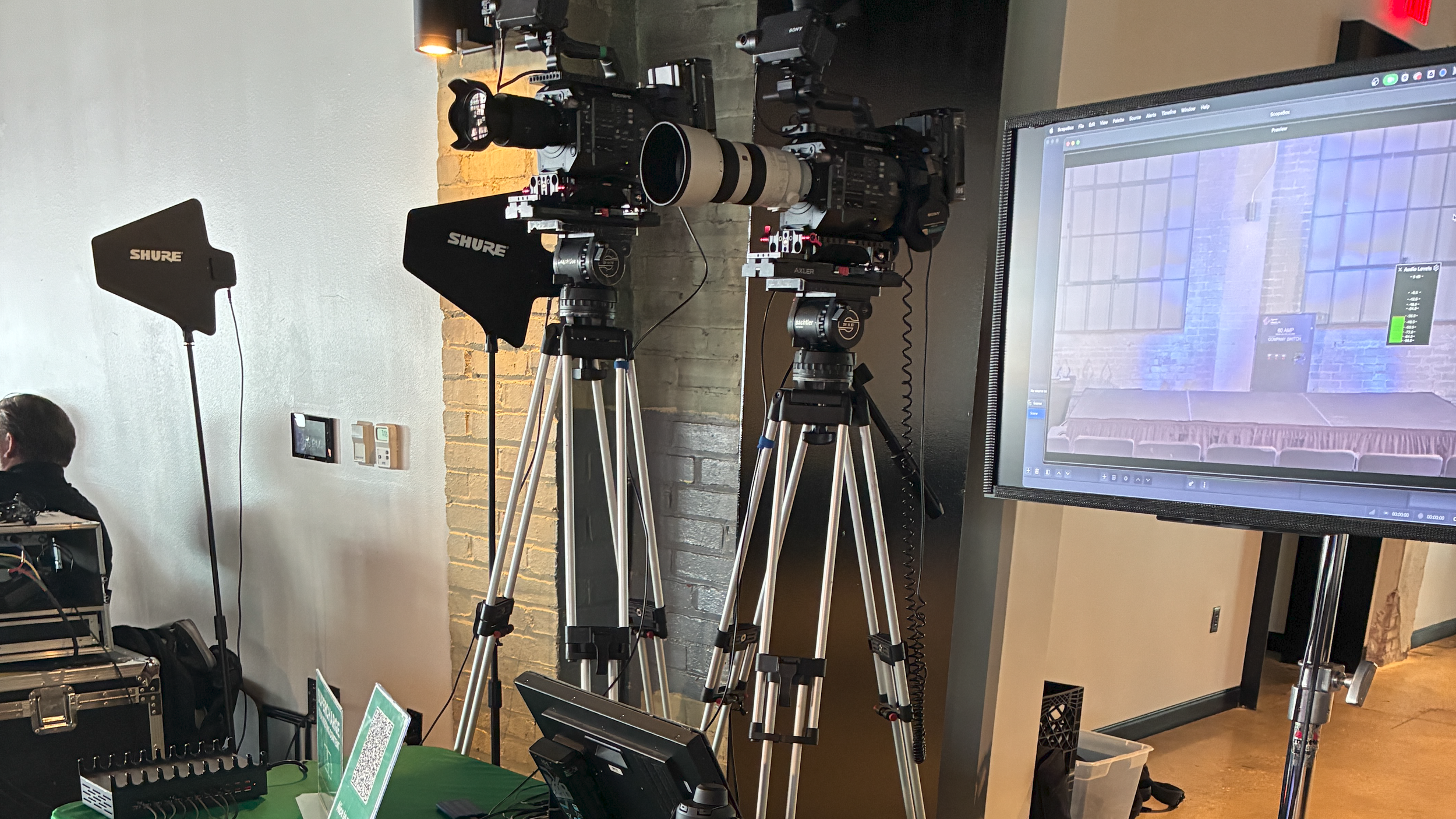
A two camera setup with a switcher at an event.
The Event: State of the Chamber, City of Bentonville
We recently partnered with the City of Bentonville to record their State of the Chamber event. Nothing overcomplicated — we brought out a simple two-camera setup and a switcher so we could cut our own show with clean camera angles and a graphics feed from the AV team.
That's intentional. The fancier the setup, the more that can go wrong. A clean two-camera edit with solid audio gives us everything we need for what comes next.
Step One: Build the Edit
Once the event wrapped, we pulled the footage into Adobe Premiere — arranged the two camera feeds and the graphics layer, ran some color adjustment, sweetened the audio, and trimmed the excess off the top and bottom. Then we jumped into After Effects to build an animated intro and outro logo, and an animated lower third that we'd use later in the process.
Clean, professional, repeatable. That's the goal at this stage.
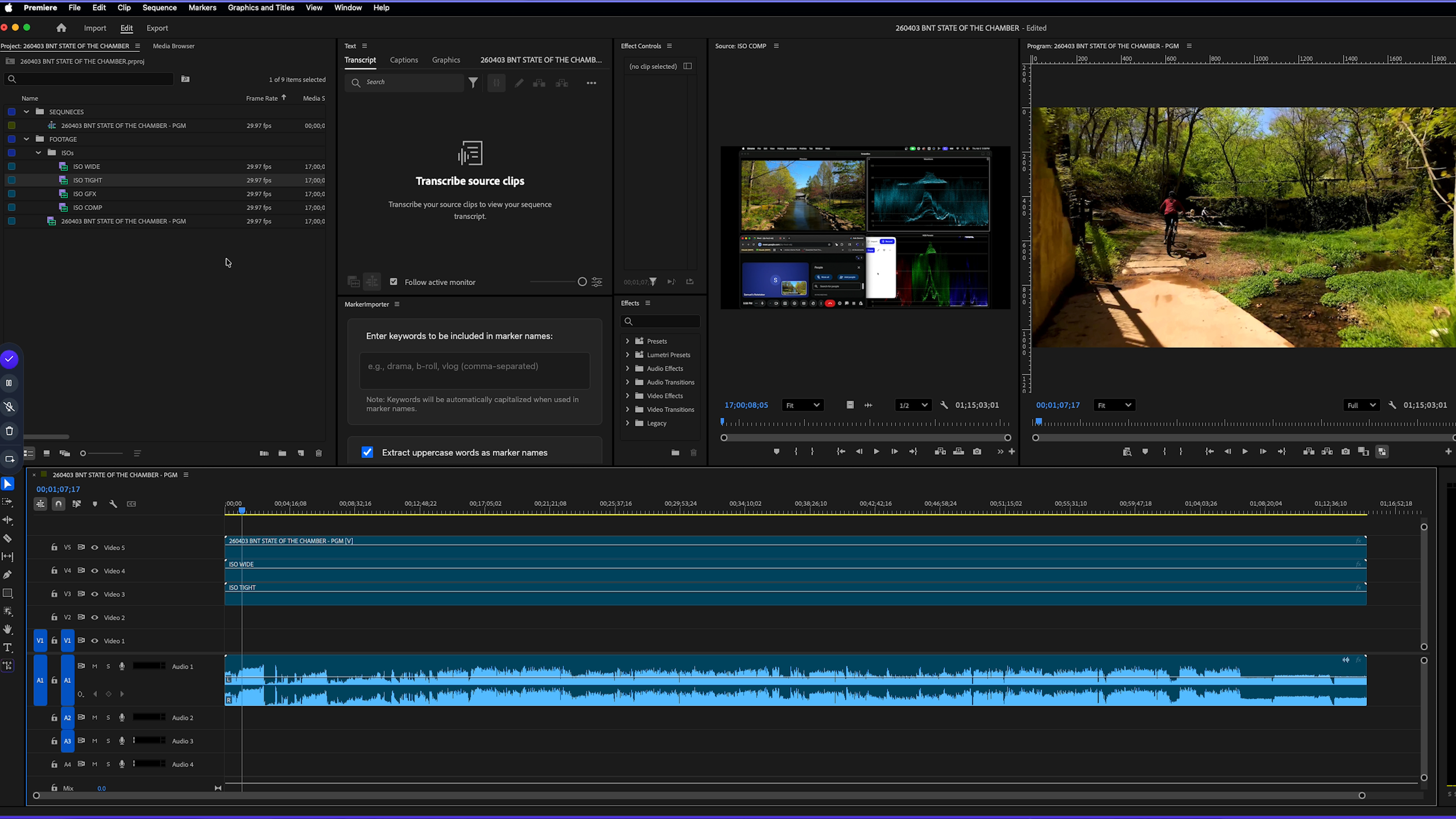
An editing program with multiple layers of video and audio.
The Most Important Rule in Content Repurposing
Here it is, and it's worth writing down:
What you start with will dictate what you end up with.
This is the part most people skip. If your source footage has bad audio — room noise, inconsistent levels, dropped words — your transcript is going to be a mess. And the transcript, as you'll see in Parts 2 and 3, is the single most important asset in the entire repurposing process. Everything downstream depends on it.
So before you run anything through AI, before you export a single clip — get the audio right. It's not glamorous. But it is the difference between a content library that actually works and one that gets abandoned halfway through.
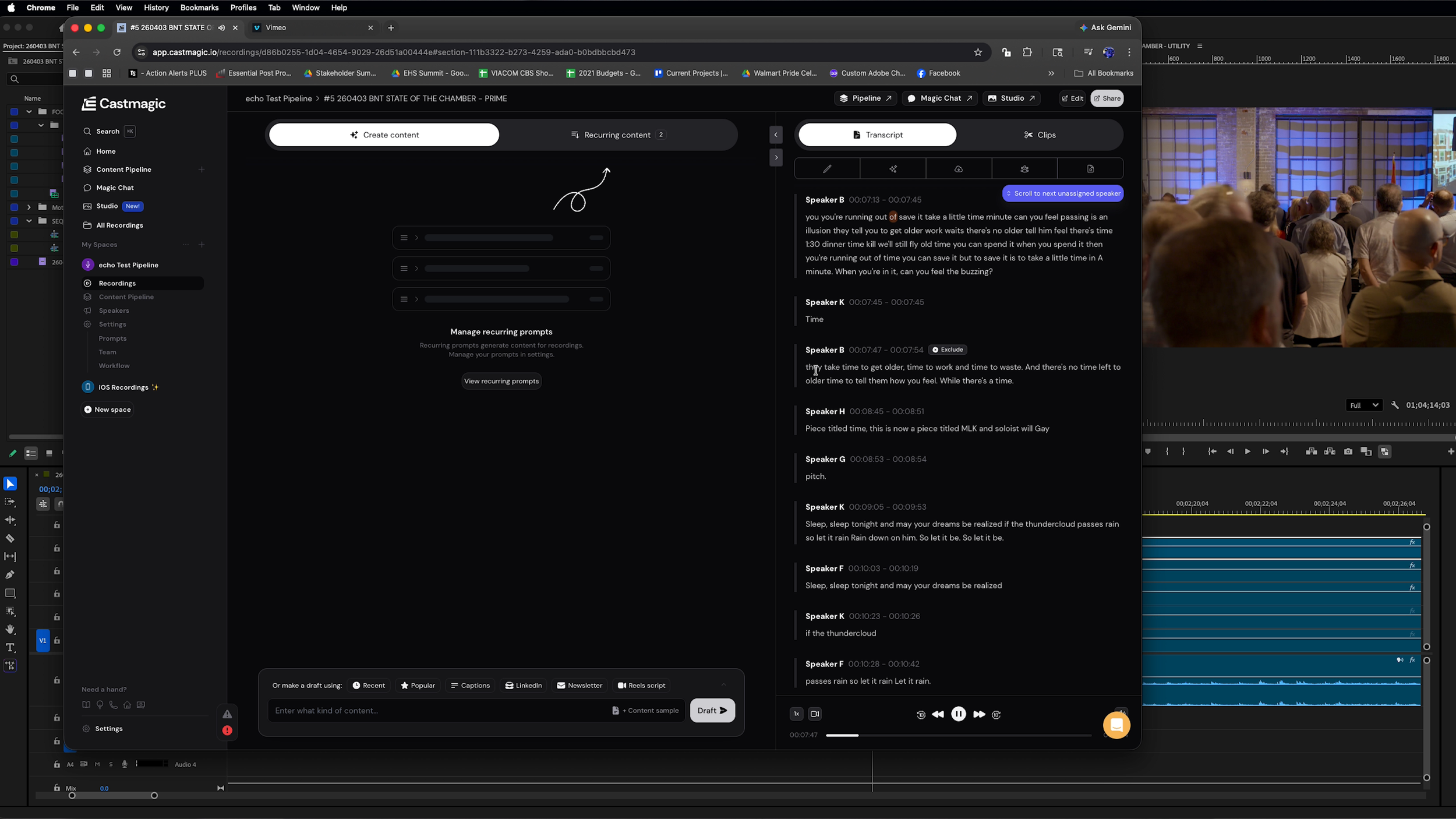
A program called “Castmagic”.
Exporting "Prime" and Sending to CastMagic
Once the edit is dialed in, we export what we call our Prime version — the clean, color-corrected, fully produced master. One copy goes to the client in the content hub. The other goes to CastMagic, which is currently our favorite transcription platform.
Why CastMagic over Premiere's built-in transcription? Two reasons: more accurate timestamps on the verbiage, and it's significantly easier to label speaker names — which is crucial for getting a transcript that's actually usable in the next steps.
Once the transcript is ready, that's when the real work begins.
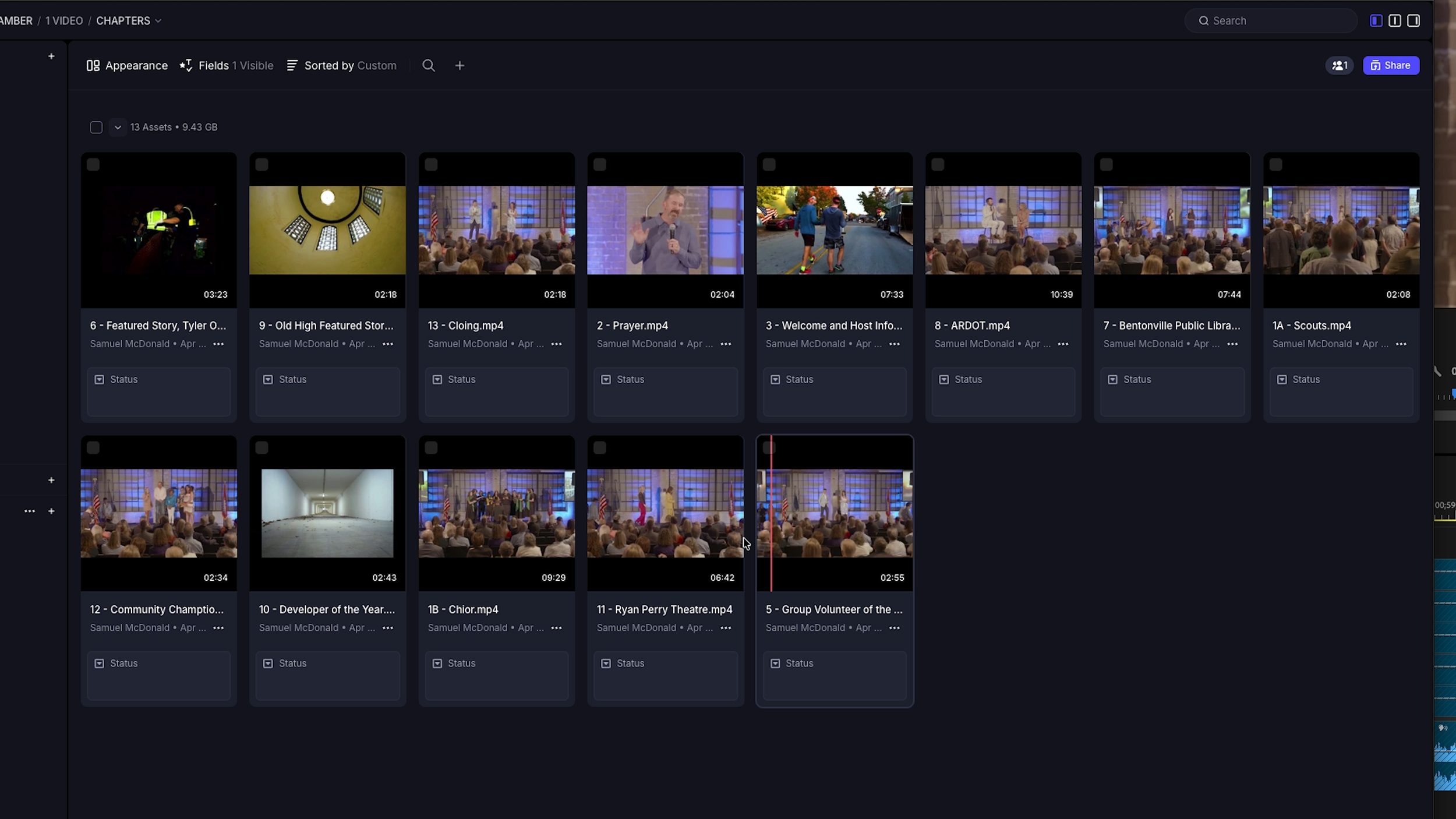
A gallery of exported video clips.
Up Next: Video Clips
Part 2 is all about video — how we use the transcript to identify the best moments, how we build out chapter clips and social reels, and what happens when we compare our process against one of the AI auto-clipping tools everyone's been talking about.
Spoiler: the results are exactly what you'd expect.
Ready to stop leaving content on the table?
If you've got footage from a recent event sitting on a hard drive somewhere, there's a content library in there your audience hasn't seen yet. Let's talk about what it would take to pull it out.